Flipbook Creator
Turn your files into beautiful flipbooks.
Import images or a PDF, arrange your pages, and create an interactive flipbook with real page turns. Share it as a single file that opens in any browser.
Create your first flipbook in minutes. Free to try.

How it works
From files to flipbook.
Import
Drop in images, a folder or a PDF.
Arrange
Reorder pages, choose your cover and set up your book.
Create
Save your interactive flipbook as one file, ready to share.
Features
Everything you need to build your book.
Image importing
PNG and JPG pages, one at a time or a whole folder. Files sort into page order.
PDF importing
Every page of your PDF becomes a page of your book, in order.
Drag and drop ordering
Move pages by dragging them. A marker shows exactly where each one will land.
Cover selection
Pick any page as your cover. It opens the book on its own, like a real front cover.
Back cover support
Books with an even page count close on a proper back cover.
Page-turn sound
An optional paper-flip sound, with an on/off button for your readers.
Mobile optimisation
Readers swipe, pinch and zoom on phones. Optional smaller pages make books open faster.
Large projects
Books with a hundred pages or more stay smooth to arrange and to read.
Instant preview
See the finished book, page turns included, before you save it.
Arrange
Your pages. Your order.
Every page sits in one clear grid. Drag a page to move it, click to select it, and press Delete to remove it.
- The cover and back cover are always labelled
- Page numbers update as you move things
- Add more pages at any point

Share
One file. Real page turns.
Your flipbook is saved as a single file. Email it, put it on your website or send it in a message. It opens in any modern browser, even offline.
- No hosting or account needed for your readers
- Two-page spreads on larger screens, single pages on phones
- Flippique doesn't upload your pages anywhere
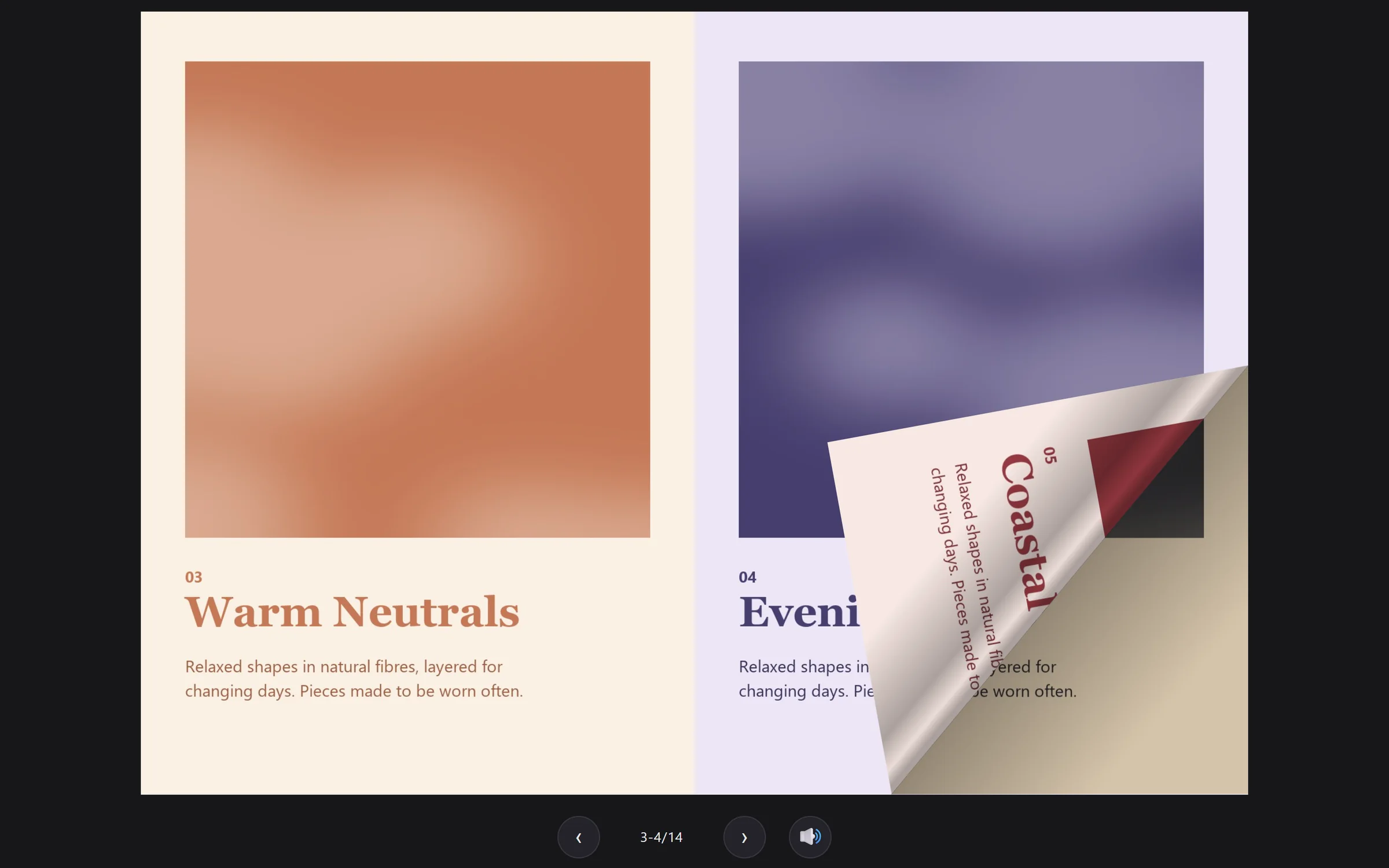
Already have a PDF?
Import it directly and turn its pages into an interactive flipbook.
Use cases
Made for more than books.
Simple by design
No complicated publishing workflow.
Flippique does three things well: bring your pages in, put them in order, and turn them into a book. There's nothing to set up first.
Open the app and start with your files.
Your book is a file you own and share how you like.
Your pages already look the way you made them.
Your next flipbook starts here.
Bring in your pages, arrange your book and let Flippique handle the rest.
Flippique is new, so Windows may show a “Windows protected your PC” message the first time you open the installer. Choose More info, then Run anyway.
Turn pages into experiences.